Safe and authorized
USB access starts only after Android authorization for the connected watch.
Clean Garmin storage with confidence
Garmin Cleaner helps Android users inspect compatible Garmin watch storage through USB OTG, back up selected low-risk files, and clean only after explicit confirmation.
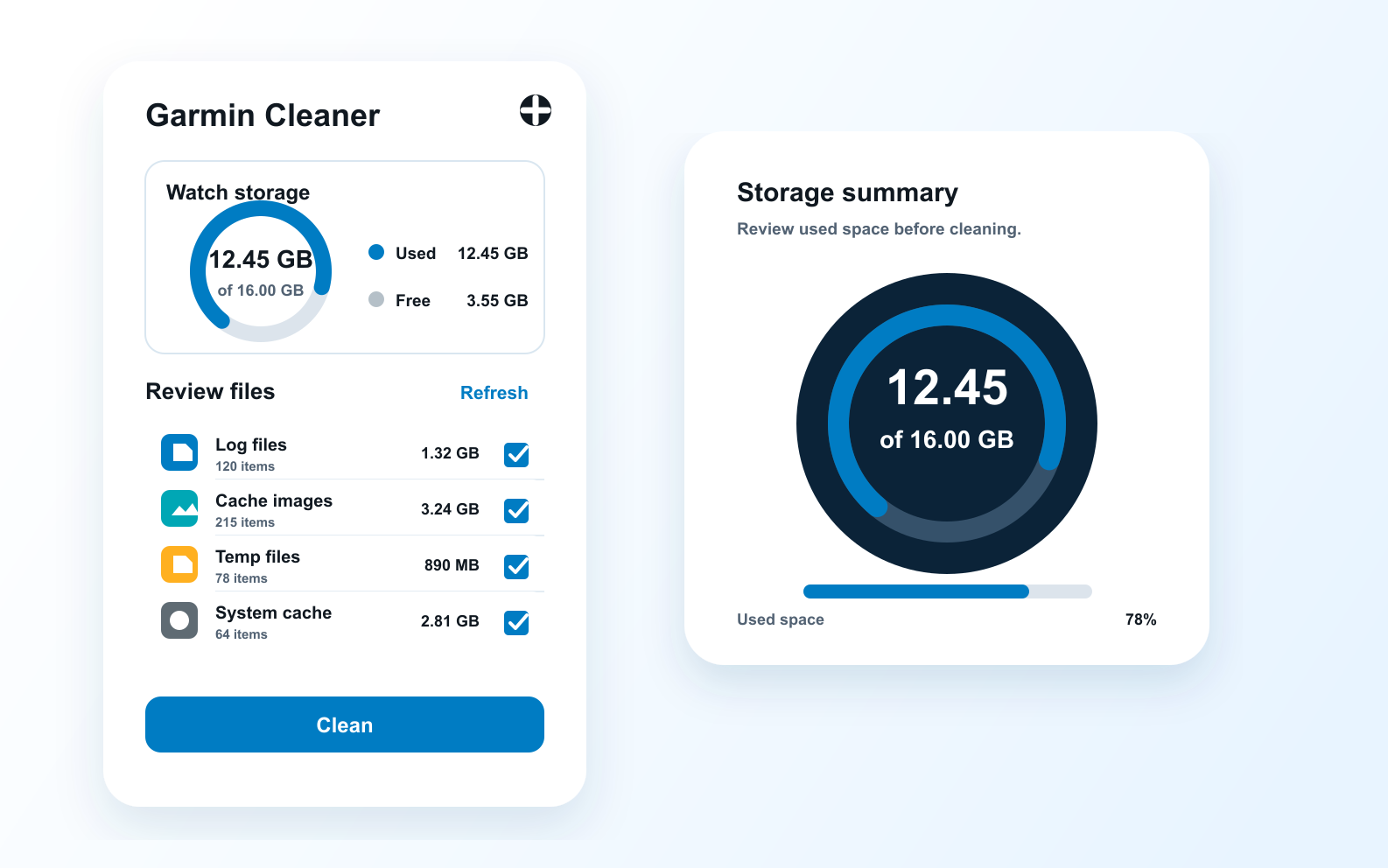
The workflow is intentionally narrow: scan, review, back up when appropriate, then clean selected low-risk storage.
USB access starts only after Android authorization for the connected watch.
Scan Garmin MTP storage, inspect candidate files, and keep control before anything is removed.
Selected low-risk files can be backed up to app-private storage before deletion.
Maps, system files, apps, workouts, and courses are treated as protected content.
Cleanup is never treated as a background optimization. You connect the watch, approve access, inspect the result, and decide what happens next.
Connect a compatible Garmin watch to your Android phone with USB OTG.
Grant Android USB access and scan the exposed MTP storage.
Review cleanup candidates, confirm your selection, then clean deliberately.
File review and cleanup run on the Android device after USB access; Garmin watch files are not uploaded to our servers by default.
Practical answers for users who want to understand the cleaning boundary before connecting a watch.
No. You grant USB access, review the scan result, select files, and confirm before cleanup starts.
Maps, system files, apps, workouts, courses, and other high-risk areas are treated as protected content.
File review and cleanup run on your Android device after USB authorization. Watch files are not uploaded to our servers by default.
No. Garmin Cleaner is an independent utility and is not affiliated with or endorsed by Garmin.